Payment Tools
Accepting Bitcoin at the Point of Sale: A Guide for U.S. Businesses
How U.S. businesses can accept bitcoin in person — hardware options, settlement choices, tax basics, and what to watch out for at checkout.
Taking bitcoin at the register is more practical than it was five years ago, but the setup choices matter more than most merchants realize. This guide walks through the hardware, software, and settlement options so you can figure out what actually fits your business.
What "point of sale" means for bitcoin
Traditional card POS systems connect to a payment network that clears funds through the banking system over a day or two. Bitcoin POS works differently. The customer broadcasts a transaction to the Bitcoin network, and your system watches for it. Whether you get paid in bitcoin or dollars depends on which tool you pick.
That distinction matters for U.S. businesses in two ways: price volatility and tax reporting. If you hold bitcoin after the sale, the IRS treats it as property, so you have a cost basis from the moment you receive it and a taxable event when you eventually sell or spend it. If you convert immediately to USD, you still have a taxable event at the time of sale, but there's no ongoing price exposure. Check current IRS guidance (Notice 2014-21 is the foundational document, but the IRS has issued additional guidance since) and confirm your own reporting obligations with a tax professional. Rules change.
Hardware options
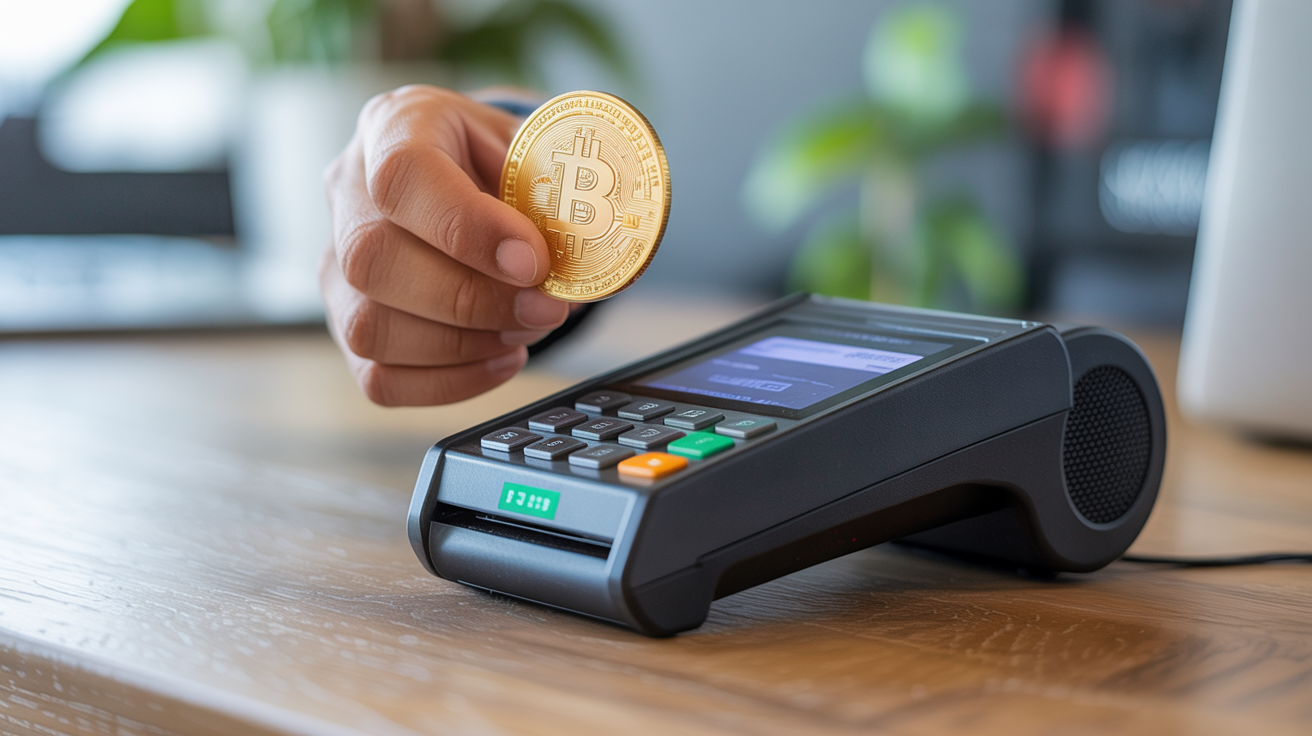
Tablet and phone-based setups
Most small businesses start here because the entry cost is low. You use a smartphone or tablet to run a bitcoin payment app, display a QR code, and let the customer scan it with their own wallet. The customer pays; your app confirms the transaction. No dedicated hardware required beyond what you probably already own.
The downside is that on-chain bitcoin transactions need confirmations before they're final (typically 1-6, each taking roughly 10 minutes). For a coffee shop, waiting 10-plus minutes per transaction isn't practical.
Lightning Network terminals
Lightning is a payment layer built on top of Bitcoin that settles transactions in seconds and keeps fees low. Several bitcoin POS apps now support Lightning natively. The customer scans a Lightning invoice QR code, and the payment clears before they've put their wallet away.
Hardware options here include:
- Dedicated Lightning terminals (purpose-built devices with screens, sometimes receipt printers)
- Tablet apps with Lightning support installed on standard iPad or Android hardware
- Web-based invoice generators that work through any browser, no app install required
For most retail and food service businesses, a tablet running a Lightning-enabled app is the starting point. You get a customer-facing display, optional receipt printing via Bluetooth, and you're not committed to expensive proprietary hardware.
Hybrid crypto POS systems
Some payment processors offer multi-coin POS systems that accept bitcoin alongside other cryptocurrencies. If you already want to accept, say, USDC stablecoins in addition to bitcoin, a hybrid system handles the QR routing automatically. The tradeoff is that these systems usually go through a custodial processor, which adds a counterparty between you and your funds.
Settlement: bitcoin or dollars?
This is the biggest decision you'll make. Three general approaches:
| Approach | How it works | Who holds the bitcoin |
|---|---|---|
| Auto-convert to USD | Processor converts to dollars at the moment of sale | Processor (briefly), then your bank |
| Split settlement | Keep X% in BTC, convert the rest to USD | You hold the bitcoin portion |
| Full self-custody | You receive bitcoin directly to your own wallet | You |
Auto-conversion is the simplest path if you just want to accept bitcoin without dealing with crypto accounting. The processor handles the conversion and deposits dollars, typically the next business day. You still have a taxable event at the point of sale, but your accounting is closer to what you'd do with card payments.
Full self-custody means you control the keys. There's no processor in the middle, no account that can be frozen, and no conversion fee. The tradeoff: you own the price exposure, you're responsible for wallet security, and your bookkeeping needs to track cost basis per transaction. You'll want to understand custodial vs. self-custodial bitcoin payment tools before going this route.
Split settlement sits in between. Some processors let you keep 10-50% of each payment in bitcoin and convert the rest. It's a reasonable middle ground if you want some exposure without going all-in.
FinCEN and state money transmission
Running your own Lightning node and settling directly to your own wallet is generally not considered money transmission for a business accepting payment for goods and services. But if you're processing bitcoin payments on behalf of others, or if your setup looks like a payment service, FinCEN money transmission rules and state licensing requirements could apply. This is genuinely complicated, and the rules vary by state. Confirm your situation with a lawyer who knows cryptocurrency compliance before you start operating at scale.
For a straightforward retail merchant accepting bitcoin for products or services, most of the compliance burden falls on the payment processor you choose, not on you. Choosing a licensed processor simplifies this considerably. See the best bitcoin payment processors for U.S. businesses for a rundown of what licensed processors are operating in the U.S.
Practical setup steps
Getting from zero to accepting bitcoin in-person doesn't take long once you've decided on your approach.
- Pick your settlement preference (USD auto-convert, split, or self-custody). This narrows your processor options significantly.
- Choose a processor or self-custody tool compatible with your hardware. Confirm they support Lightning if you need fast confirmations.
- Set up your merchant account with the processor, or configure your self-custody wallet to generate Lightning invoices. Most Bitcoin Lightning wallets have a "receive" flow that generates a QR code per invoice.
- Test with a small transaction before going live. Send yourself a test payment and confirm it appears correctly on your end.
- Train staff on what a completed payment looks like. A Lightning payment that's been accepted looks different from an on-chain payment waiting for confirmations.
- Set up your accounting system to record cost basis at time of receipt if you're holding any bitcoin. Your bookkeeping software may not have native bitcoin support, so check before you have a backlog to deal with.
A note on receipts: most bitcoin POS apps can email or print receipts, but the receipt should include the USD-equivalent value at the time of the transaction for your records. That figure is what you report as income.
Chargebacks and fraud
Bitcoin transactions are irreversible once confirmed. For a merchant, that cuts both ways. You can't get hit with a chargeback after the fact, which is a real cost savings compared to card processing. On the other hand, if you send the wrong amount back in a refund situation, that's on you. There's no dispute mechanism, so your refund policy needs to be clear before someone pays with bitcoin.
Fraud risk shifts compared to card payments. The customer-side fraud vectors common in card processing (stolen card numbers, friendly fraud chargebacks) don't apply. Instead, watch for customers claiming they paid when they didn't, or sending payments below your invoice amount hoping you won't notice. A properly configured POS app that displays confirmed payment status before releasing goods eliminates most of this.
FAQ
Do I need a special bank account to accept bitcoin at the point of sale?
No. If you're using a processor that converts to USD, the dollars land in your regular business bank account. If you're holding bitcoin, you don't need a bank account for that portion, but you do need a bitcoin wallet. Many merchants keep a small hardware wallet for in-person settlements.
What happens if bitcoin's price drops right after a customer pays?
If you've set up auto-conversion, the processor locks in the USD rate at the moment of the transaction and you receive that amount. If you're holding bitcoin, your balance is worth less in dollar terms until the price recovers. That's the core tradeoff with self-custody settlement.
Can I accept bitcoin in-person without the internet?
On-chain bitcoin transactions require network access to broadcast and confirm. Lightning also requires connectivity. There's no reliable offline option for in-person bitcoin acceptance at the moment.
How does accepting bitcoin in person differ from adding an online payment button?
The settlement and processor options overlap, but the UX is different. In-person means QR codes and real-time confirmation checks. Online means an embedded button or checkout flow the customer clicks. If you want both, look for processors that support adding a bitcoin payment button to your website alongside their in-person tools, since some do both from a single merchant account.
Is there a minimum transaction size that makes sense for bitcoin POS?
On-chain transactions carry fees that vary with network congestion. For small purchases, on-chain fees can eat into the transaction value. Lightning fees are typically fractions of a cent and scale much better for small amounts. If your average transaction is under $20, Lightning is essentially required for on-chain fees to stay proportional.
This article is for educational purposes only. It isn't financial, tax, or legal advice. Tax treatment of cryptocurrency and the applicable FinCEN and state regulations change over time. Consult a qualified tax professional and legal counsel for guidance specific to your situation.